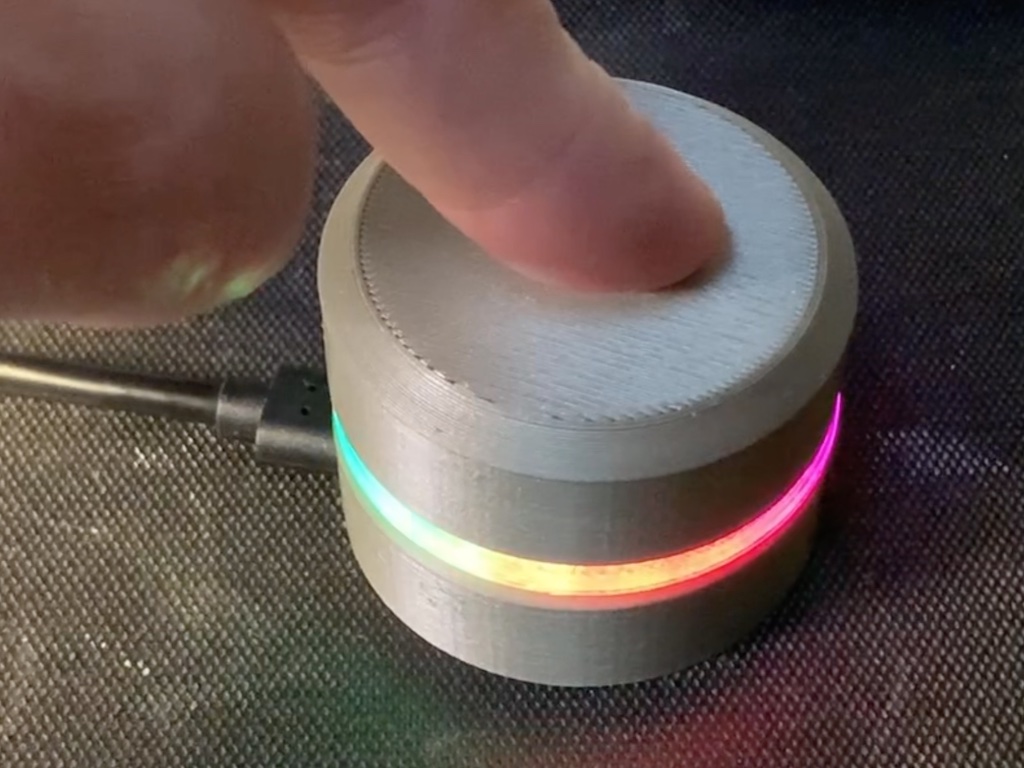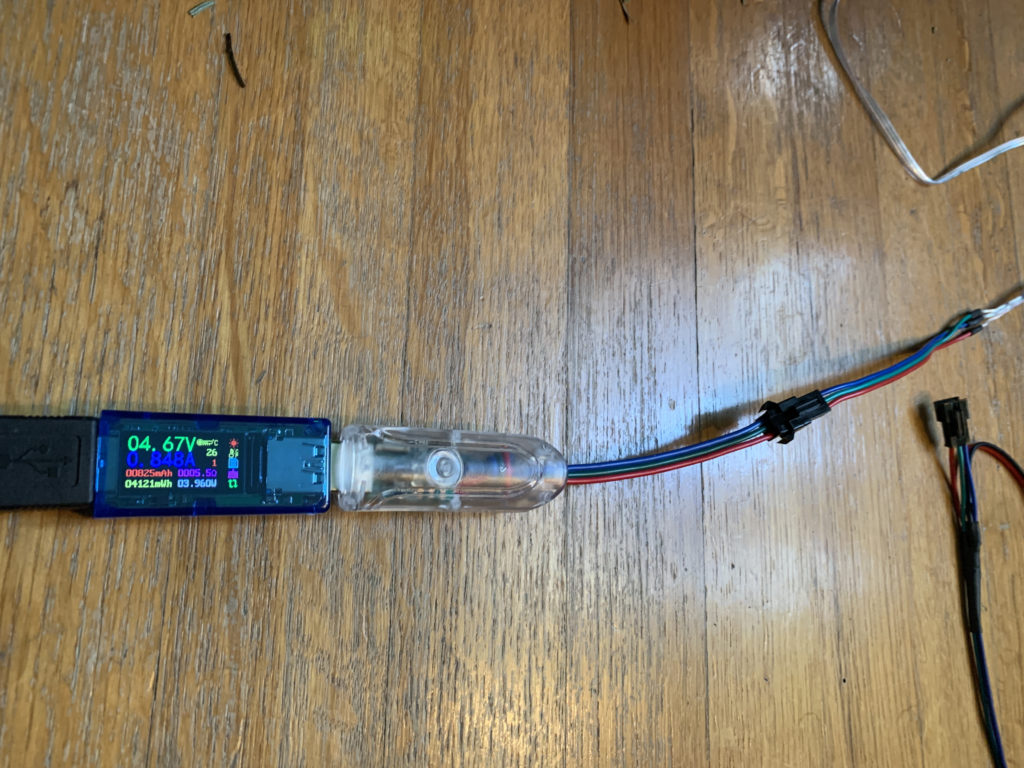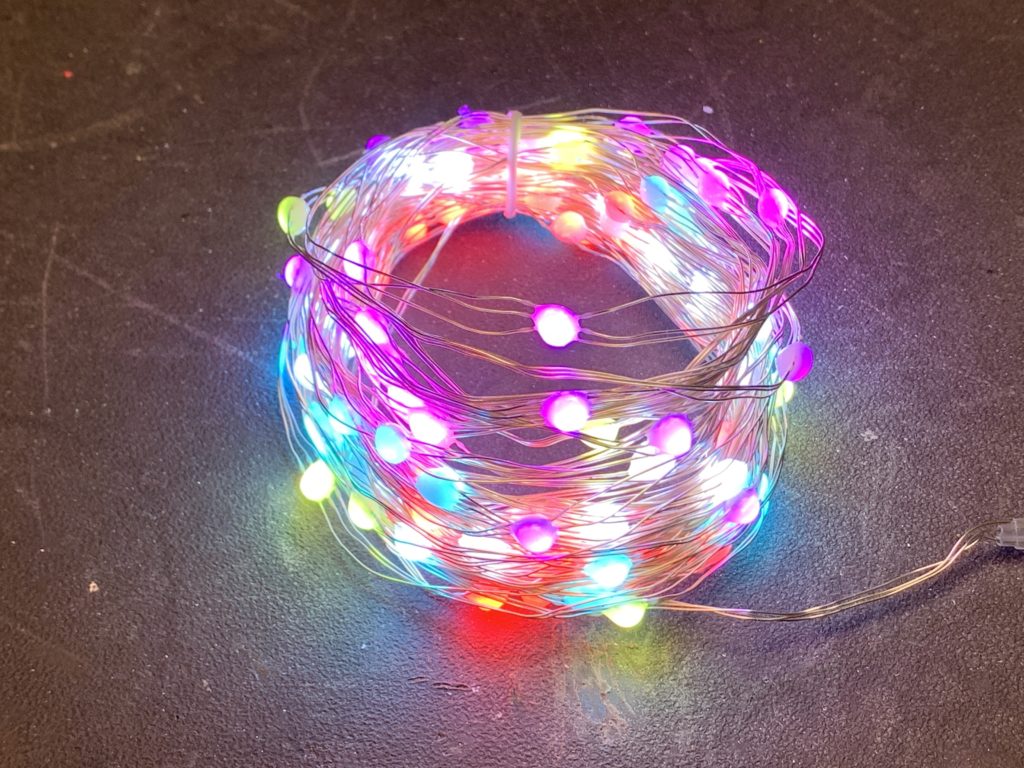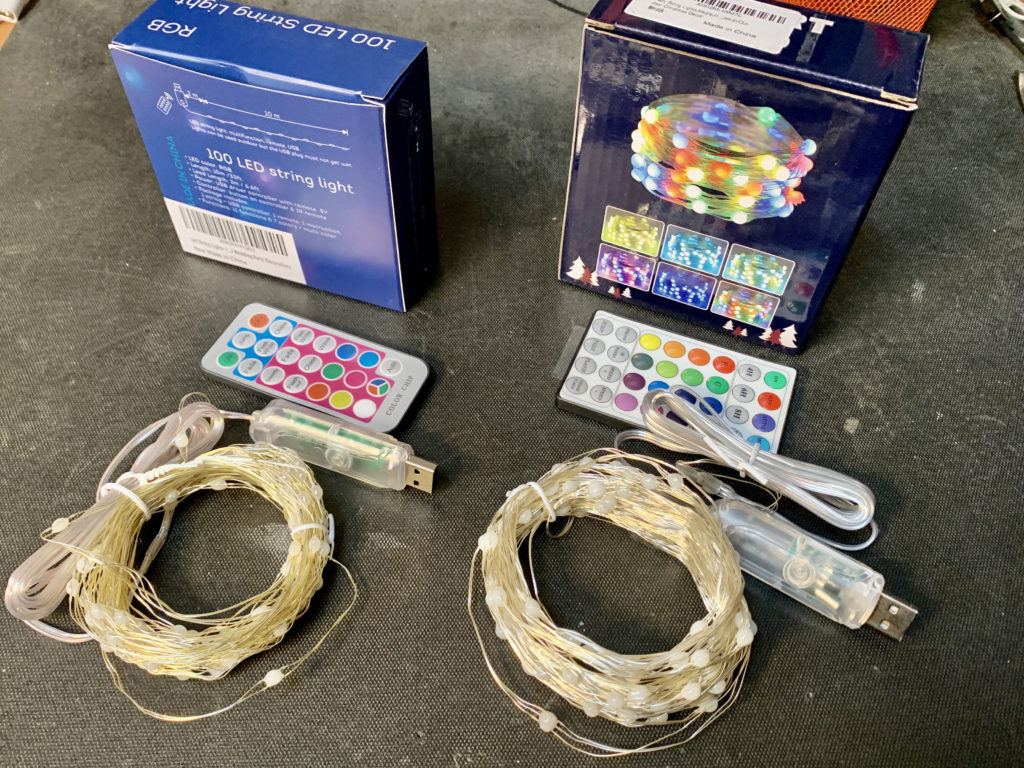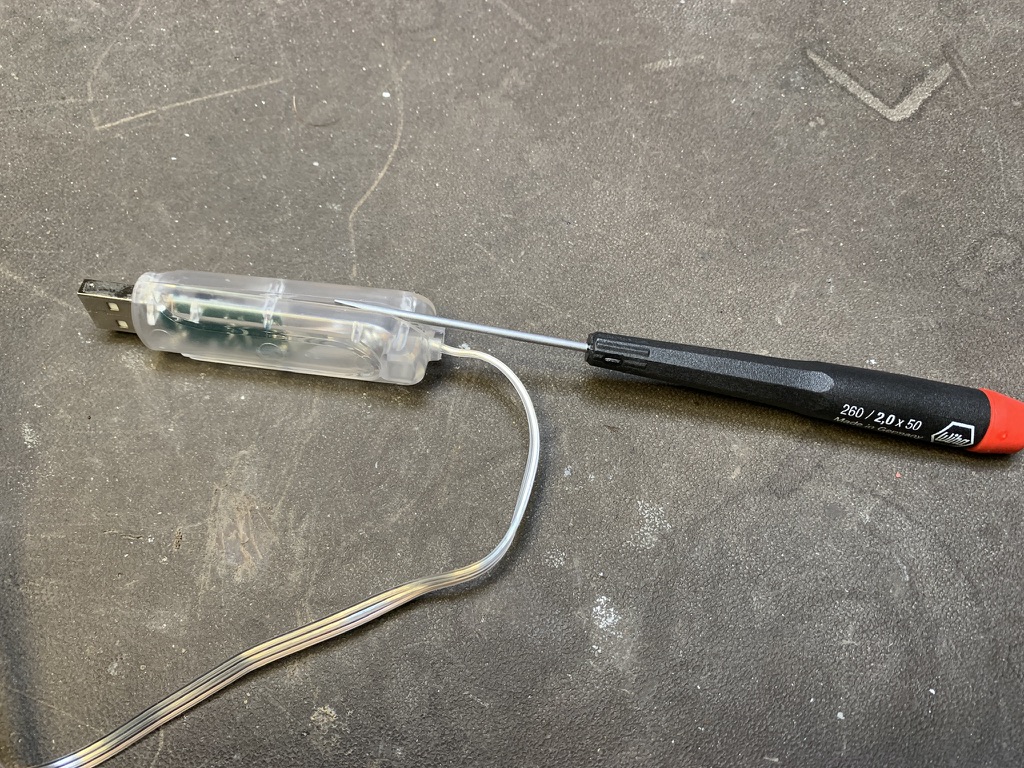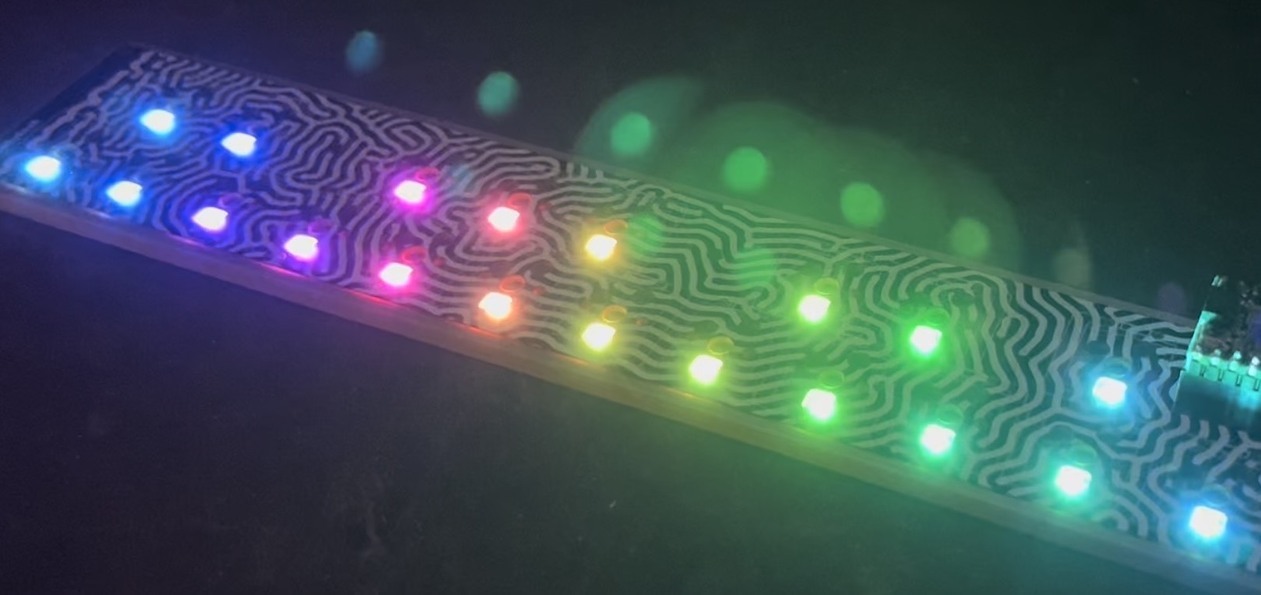
While FreeM is mostly designed to work with BlinkMs and MinMs, it can be made to work with MaxMs. FreeM cannot supply the power that MaxMs need (250mA and FreeM can only supply up to 100mA), but there are other ways. One way to do it is to power the FreeM from the MaxM’s built-in 5V power supply.
To do this, get a MaxM, a FreeM, a small scrap of wire, and a 12VDC power supply.
Remove the “pwrsel” jumper and wrap the small piece of wire around all three pins of the “pwrsel” jumper. Then plug the FreeM into the bottom of the MaxM and plug in the 12VDC power supply to the MaxM.
The MaxM will power the FreeM and the FreeM will control the MaxM.
You can also now control other LED clusters like flexible RGB LED tape.
Make a long-lasting, rechargeable battery pack for your BlinkM MaxM, BlinkM, or BlinkM MinM using just pliers, no soldering!
BlinkMs are perfect for portable, stand-alone uses. There are many ways to hook a BlinkM to battery sources. Here’s one way that works for all BlinkMs.
BlinkM Battery Pack: Step 1: Get all the parts together
I love Arduino but its lack of wireless bugs me. And it sucks that WiFi Shields for the Arduino cost as much a cell phone. I want something cheap. Turns out, small, cheap WiFi routers like the Asus WL-520gu can run the DD-WRT Linux firmware and act as serial-to-network gateway for Arduinos (or most any other USB device). Here’s how to do it.
(Hey, is this a Wifi-controlled BlinkM? I think it is.)
A quick video showing a router acting as a serial-to-network gateway:
This is not that new of a concept, hacking Linux onto a router for some neat DIY purpose. One of my favorite past hacks is MightyOhm’sWiFi Radio project. And of course, see my own book Hacking Roomba for an example of how to put a Roomba on the Net.
This post is specifically about trying to make a DD-WRT router a transparent gateway for an Arduino.
All BlinkM-family devices can have their firmware updated. This makes them great for tiny development boards for ATtiny processors. ReflashBlinkM is an application that makes it easy to put back the original firmware or update a BlinkM to the latest firmware.
Previously you needed an AVR ISP programmer like the AVRISPmkII or the USBtinyISP. Thanks to the ArduinoISP sketch that ships with Arduino, if you have already have an Arduino, you can easily reflash your BlinkM with new firmware.
The ReflashBlinkM application is a tool for Mac OS X and Windows that uses ArduinoISP to help you reflash BlinkMs to their default firmware.
This is what it looks like:
Here’s one way of hooking up a BlinkM to an ArduinoISP:
And here’s a video of a BlinkM MinM being reflashed:
Ever wanted to use any pair of pins for I2C on Arduino, not just the dedicated pins on Analog 4 & 5? Me too, so I made a quick little Arduino library called “SoftI2CMaster”, available in the “blinkm-projects” Googlecode repository.
It’s still a work in progress, but it can write data pretty successfully and do it over longer cables than normal.
For the VIMBY/Scion Hackerspace Challenge, I created an array of BlinkM MaxM-powered accent lights for the device we made. Because the I2C cable was longer than a few feet, the normal Wire library that BlinkM_funcs.h uses to communicate with BlinkMs couldn’t be used. This is because the Wire library assumes a perfect bus. If there is any noise or other bus problems, the Wire library will currently lock up. For the SoftI2CMaster library, I wanted it to be very tolerant, even lazy, about bus problems and also have more tunable timing to let you slow the bus down. Of course, you still need pull-up resistors on the two lines. I’ve found using 2.2k resistors to be good.
The SoftI2CMaster API follows Wire’s API pretty closely:
SoftI2CMaster(sdaPin,sclPin) — create an new SoftI2CMaster for the two pins specified
There is a simple demo for BlinkMs that this library currently lives in. It’s called “BlinkMSoftI2CDemo” and shows off a simplified BlinkM_funcs called “BlinkM_funcs_soft.h“. The entirely of BlinkMSoftI2CDemo is shown below.
const byte sdaPin = 7; // digital pin 7 wired to 'd' on BlinkM
const byte sclPin = 6; // digital pin 6 wired to 'c' on BlinkM
#include "SoftI2CMaster.h"
SoftI2CMaster i2c = SoftI2CMaster( sdaPin,sclPin );
// must define "i2c" before including BlinkM_funcs_soft.h
#include "BlinkM_funcs_soft.h"
byte blinkm_addr = 9;
//
void setup()
{
Serial.begin( 19200 );
Serial.println("BlinkMSoftI2CDemo");
BlinkM_off(0);
for( int i=0; i< 100; i++ ) { // flash the blinkms
BlinkM_setRGB( blinkm_addr, 255,255,255 );
delay(10);
BlinkM_setRGB( blinkm_addr, 0,0,0 );
delay(10);
}
}
void loop()
{
byte r = random(255);
byte g = random(255);
byte b = random(255);
BlinkM_setRGB( blinkm_addr, r,g,b );
delay(10);
BlinkM_fadeToRGB( blinkm_addr, 0,0,0 );
delay(1000);
}
void BlinkM_off(byte addr)
{
BlinkM_stopScript( addr );
BlinkM_setFadeSpeed(addr,20);
BlinkM_setRGB(addr, 0,0,0 );
}
At this years Sketching in Hardware conference, I gave a talk on the general approach I used to create LinkM, ThingM’s USB-to-I2C adapter for programming and controlling BlinkMs. I called it “Hacking USB HID for Easy Tethered Ubicomp” (4.8MB PDF) to give it a form that fit within some of the larger issues I’ve been dealing with in creating easily usable ubiquitous computing devices.
USB has many different (and confusing) aspects to it. I’ve long advocated the creation of a set of libraries and patterns to make “driverless” USB a reality. A sort of training wheels for USB. At the time I called this USB on Rails”, poking fun at RoR.
To me the key to this ease-of-use was the HID class in USB. No driver is needed when plugging in something like a mouse or keyboard. Other built-in device class drivers include CDC (modems), Mass storage, audio (headset), and video (webcam).
While researching HID, trying to make LinkM a “USB on Rails” project, I found that the biggest hurdle was a consistent host-side USB API that would let one write one set of code that could easily be ported to Mac OS X, Windows, and Linux. Libusb works well enough for Unix-like OSes like Linux and Mac OS X, but the Windows variant libusb-win32 required a driver install. So I put HID away.
For many months I investigated using CDC instead of HID because it maps down to a serial port on modern operating systems. Unfortunately, CDC has two main problems. For the “serial port emulation” mode, mapping to serial port semantics is problematic for a USB device that can be removed at will. If a device is removed while it is still “connected”, the OS and application can get confused or crash. Also, the CDC driver implementation seems brittle on Mac OS X. Some CDC devices can work fine, others wouldn’t. I can see now why FTDI and similar vendors use a custom driver for their USB-to-serial chips.
With that, I took both of those projects, generalized them slightly, then specialized them for LinkM and made them the core of the LinkM project. You can view the resulting source at the LinkM Googlecode project.
(click any photo to go to larger version on Flickr)
We were in the Maker Shed building, right underneath the Arduino banner, so we got lots of awesome questions about Arduino. The most common: “So I just picked up this thing that says ‘works with Arduino’…well, what *is* Arduino?” It was so great to see so many people interested in building their own gizmos.
By far the most fun demo we had was TwitM, the Twitter-controlled BlinkM. Using LinkM, a couple BlinkMs, and a Processing sketch, I had it so anyone who tweeted anything with the keyword “makerfaire” made one BlinkM flash. If you tweeted “blinkm colorname”, where colorname was any color in the X11 color names or a hex color code RRGGBB, the other BlinkM would turn that color. Because of the streaming Twitter API, these changes happened instantly; it was really something to see.
Kim and Mike made up some really nice “walltext” describing the various demos we had up.
A big hit was MaxM controlling RGB LED flexible circuit tape, using the same techniques I used for the Crystal Monster.
This was about regular busy at the Faire. There were many times when it got way more packed.
Random experiments, circuits, code, rapid prototyping examples, sometimes things to buy, and occasionally tunes by Tod E. Kurt.
Reach me at tod [at] todbot.com
Crash Space
Crash Space is a Los Angeles-based hackerspace. Come visit! Become a member! Learn Arduino or how to solder!
Yay BlinkMs!
BlinkM is a smart LED. Imagine an LED with a tiny computer inside, one that can be any color and have a life of its own. You can buy them now from one of our global distributors.
ThingM
A device studio that lives at the intersections of ubiquitous computing, ambient intelligence, industrial design, and materials science.
Recent Comments